
The Short Answer
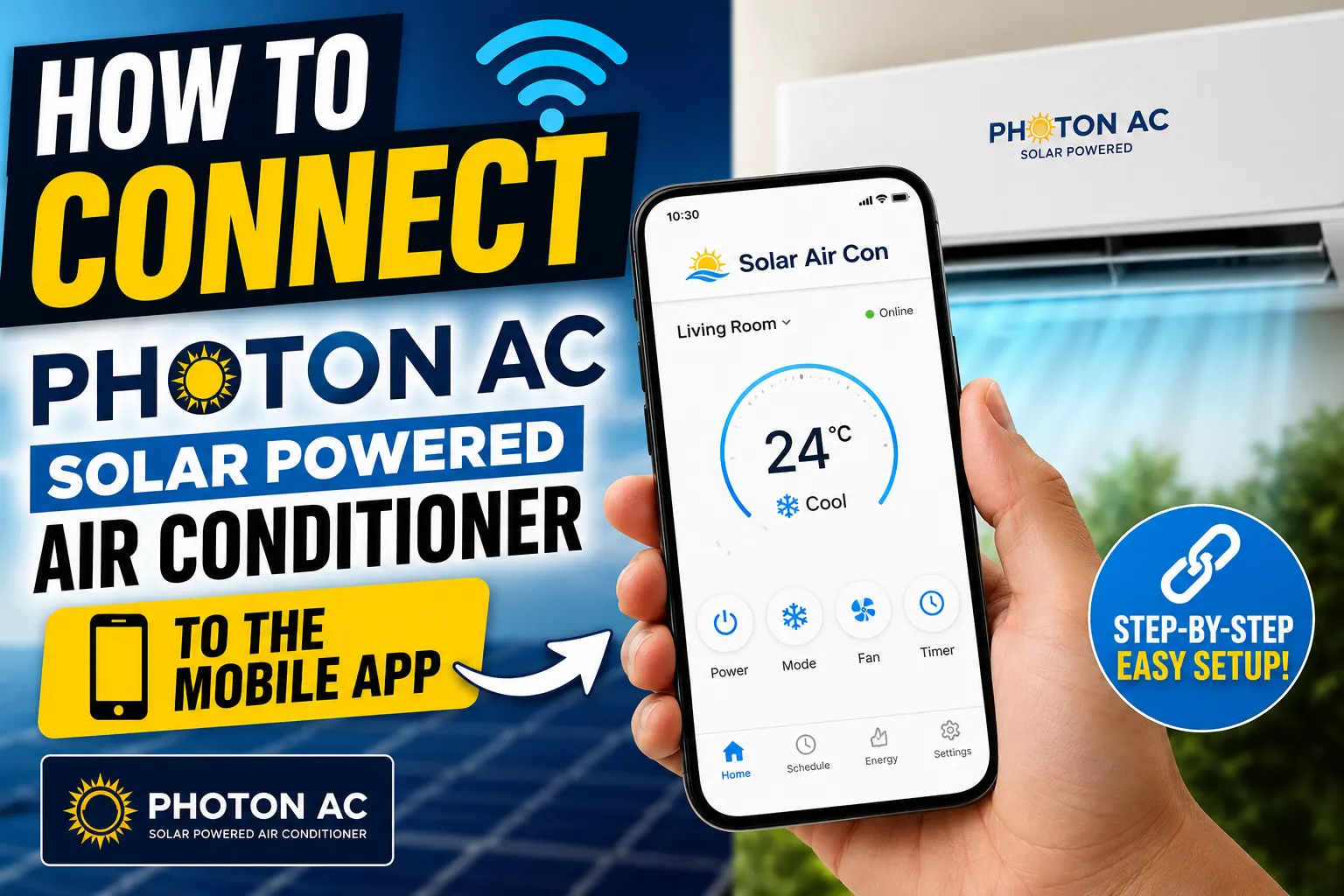
Setting up the Photon AC mobile app takes six steps: download the app, create an account and power on your unit, connect it to your 2.4GHz Wi-Fi, name the room, then start tracking solar production and controlling your AC. The whole process takes about 10 minutes, and once it's connected you can view your solar energy production and control your air conditioner from anywhere in the world — not just your home network.
Watch the Full Setup Video
Watch it right here on the page, or open it on YouTube. This walkthrough shows exactly how to connect your Photon AC solar-powered air conditioner to the mobile app, from download to full remote control.
Watch on YouTubeWhat the Photon AC App Lets You Do
Track Solar Production
See real-time solar power draw, daily and historical energy production, and exactly how much of your cooling is running for free directly on solar power.
Control From Anywhere
Change the temperature, mode, fan speed, or schedule from across the house or across the globe — as long as your phone has a data or Wi-Fi connection.
Step-by-Step App Setup Guide
Download the Photon AC App
Search "Photon AC" on the App Store or Google Play and install the free control app on your phone. It works with every Photon AC solar-powered mini split model.
Create an Account & Power On Your Unit
Open the app and create a free account. Make sure your Photon AC indoor unit is powered on and within range of your home Wi-Fi router before you start pairing.
Add Your Device & Connect to Wi-Fi
Tap Add Device, select your unit model, and follow the in-app prompts to connect the unit to your 2.4GHz home Wi-Fi network. The whole process takes about a minute per unit.
Name Your Room or Zone
Label each unit by room — Living Room, Garage, Workshop — so it's easy to find and control if you have multiple zones or units connected to the same account.
Track Your Solar Production
Open the Energy tab to see live solar power draw, daily and historical production totals, and exactly how much of your cooling is running for free on sunlight versus grid power.
Control Your AC From Anywhere
Once connected, adjust temperature, mode, fan speed, and schedules from anywhere in the world with a data or Wi-Fi connection — no need to be on the same network as your unit.
Already a Photon AC Dealer?
Log in to the Dealer Portal for the full app setup walkthrough, downloadable screenshots for customer handoff, and this same video — right on the Mobile App Setup card.
Frequently Asked Questions
Can I control my Photon AC unit from anywhere in the world?
Yes. Once your Photon AC solar mini split is connected to your home Wi-Fi and paired with the mobile app, you can adjust the temperature, mode, fan speed, and schedule from anywhere with a data or Wi-Fi connection on your phone.
Can I track how much solar energy my AC is producing and using?
Yes. The Energy tab shows real-time solar power draw plus daily and historical production data, so you can see exactly how much of your cooling is running for free on solar power.
What do I need to set up the Photon AC mobile app?
A smartphone (iOS or Android), a 2.4GHz home Wi-Fi network, and your Photon AC unit powered on within range of the router. Setup takes about 10 minutes.
Does the app work if my AC is running on solar power instead of grid power?
Yes. The app and Wi-Fi module are powered by the unit's control board regardless of whether it's drawing from solar or grid power, so you always have full remote access and monitoring.
Can I connect more than one Photon AC unit to the same app account?
Yes. You can add multiple units to a single account and label each by room or zone, letting you control and monitor every unit on your property from one app.
Ready for Free, App-Controlled Cooling?
Every Photon AC solar-powered mini split works with the free mobile app out of the box. Find a dealer near you or explore the product lineup.